How it works
- 1 Before the night
Buy a ticket and we email you your link
As soon as you book, an email called “Your online dates can be accessed here” arrives with your own private link to your session. That link is how you join on the night, straight from your browser.
- We send it to the email address you booked with
- We email it again at 10am on the day, and 15 minutes before the start
- Can't find it? Check your spam or junk folder
- 2 20 minutes before
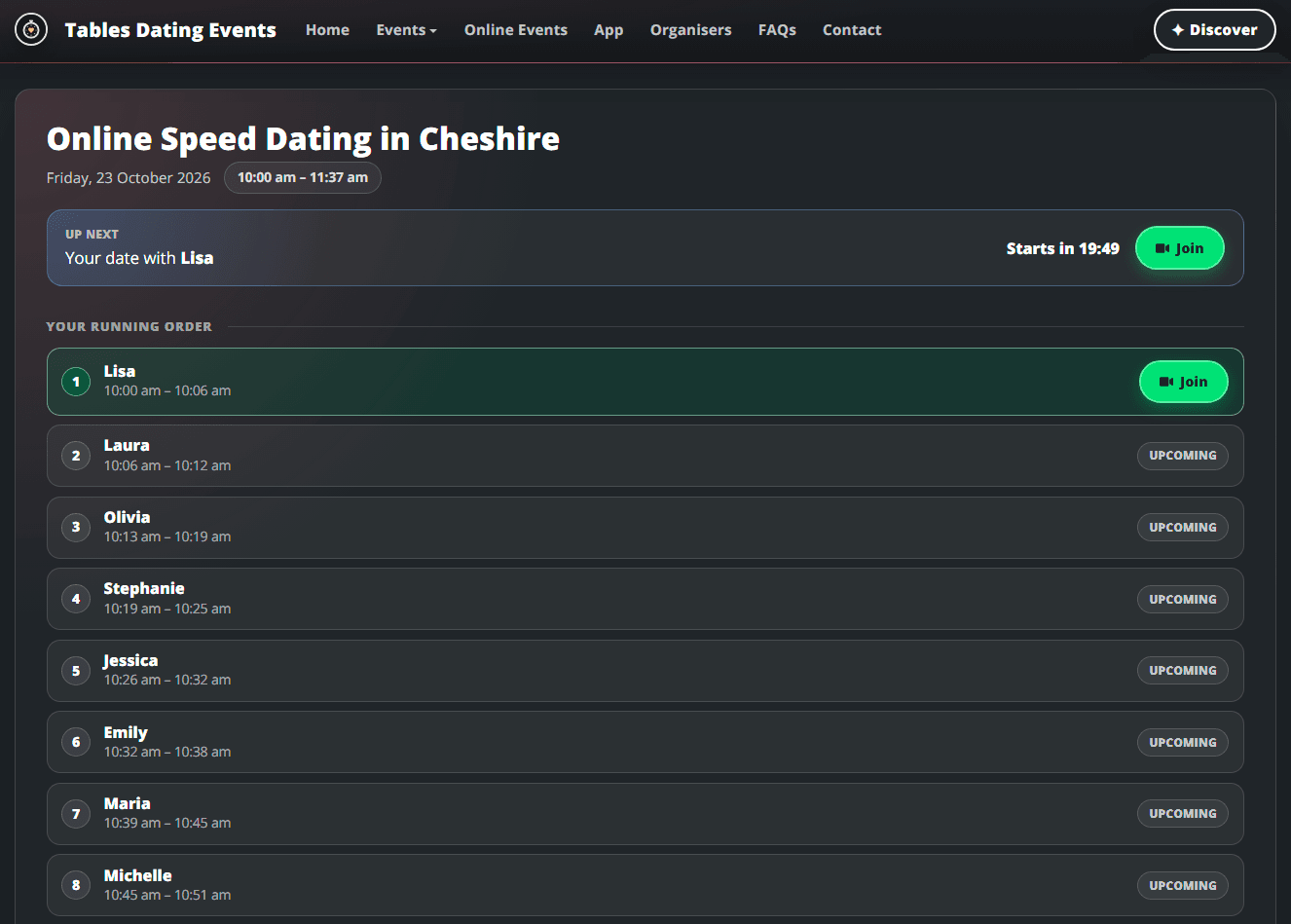
Your waiting room opens 20 minutes before the start
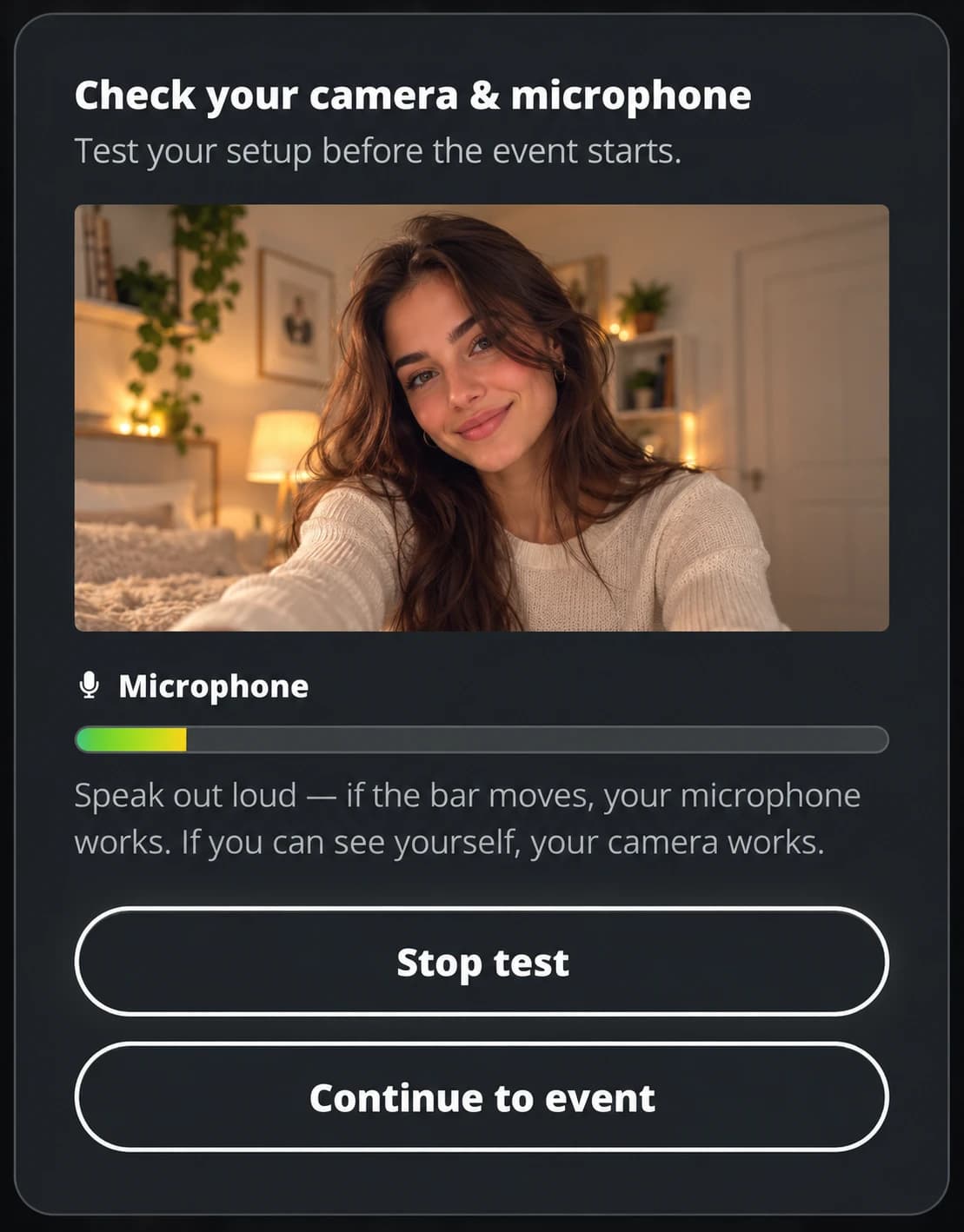
Open your link early and you'll see a countdown. When the waiting room opens, your running order appears: everyone you're meeting, in order, with the time of each date. It's a good moment to check your camera and microphone.
- Use Wi-Fi rather than mobile data
- Headphones stop echo
- A laptop is best, but a phone is fine
- 3 The dates
Go from date to date. We move you on automatically
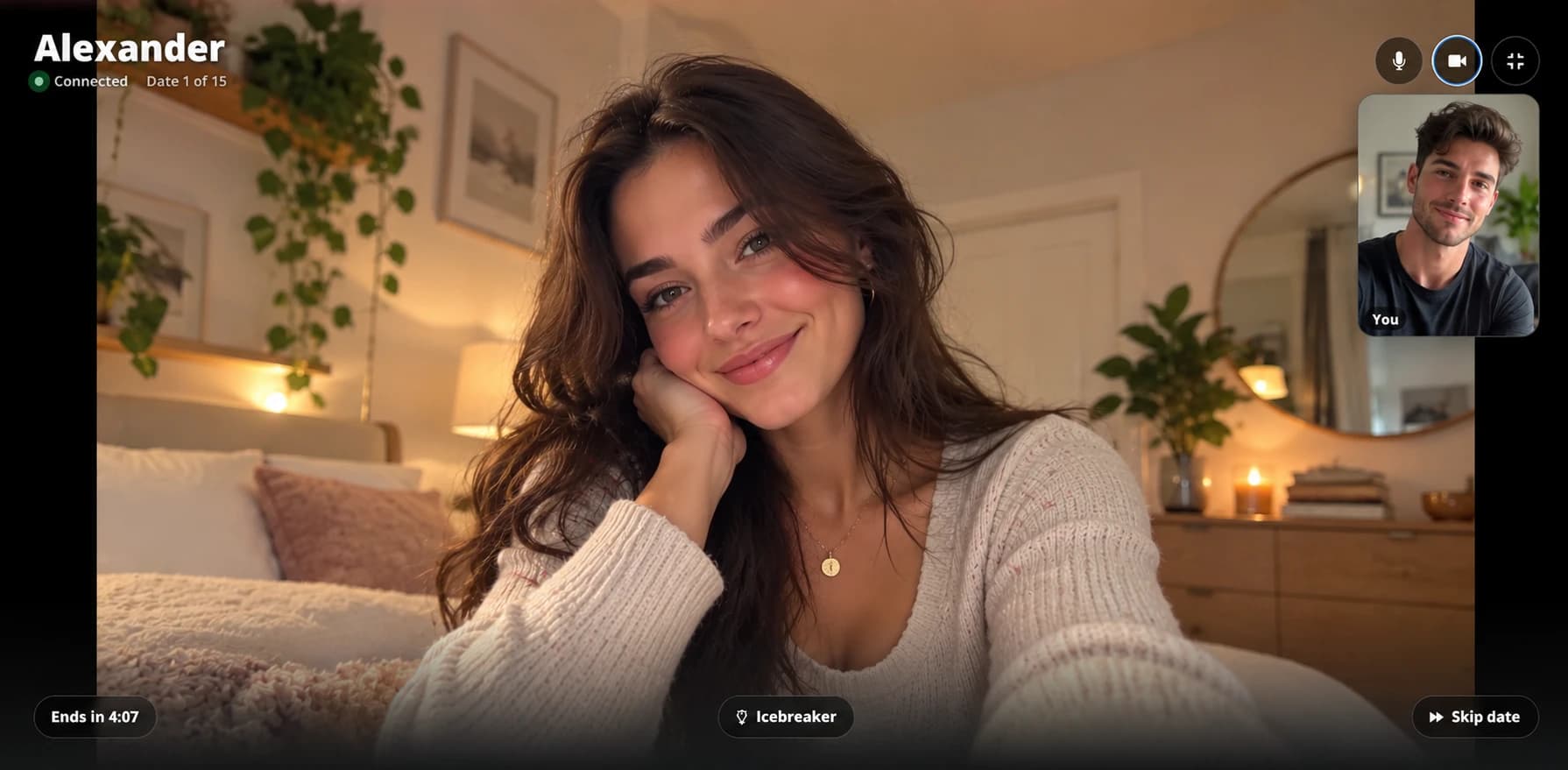
Each date is one-to-one, with a countdown on screen. When it ends, your next date connects on its own, so there's nothing to click. Just keep the page open and talk.
- Stuck for something to say? Tap Icebreaker for a question
- Not feeling it? Skip, and you'll wait for your next date
- 4 Afterwards
Tell us who you liked
After your last date, the link to your results is on the same page. Say yes or no to each person. Nobody is told what you chose. If you both say yes, it's a match: we email you, and you can stay in contact.
- You choose what to share with each match: email, phone number or Instagram